DaVinci DeluxeCloud Edition
  • Home
  • ShopNEW
  • Features
  • Benefits
  • Blog
  • License
  • About
  • API
  • Contact
  • FAQ / Support
  • Login
  • Buy
Guest
  • 👤 My Profile
  • 📦 My Orders
  • ⚙️ Admin Panel
  • 🚪 Logout
0
Buy
Pay-Per-Use Service
⚠️ Policy update: unlimited free Cloud Tuning was a limited-time launch offer that has now ended. Cloud Tuning is now pay-per-use for everyone — every service (performance stages AND emissions) uses tokens/credits. Emissions & DTC-off remain free only in the desktop app.

☁️ Cloud Tuning

An AI-powered, expert-reviewed online ECU tuning service we gift to every DaVinci Deluxe · Cloud Edition customer — now covering 430+ ECUs across 33 brands (DPF, EGR, DTC, AdBlue, FLAPS, Immo, GPF, Stage 1, Pops & Bangs, E85 and more). Pay-per-use online ECU tuning — tokens/credits are required for every job.

🚀 Open Cloud Vault 📜 Refund Policy

💡 What is Cloud Tuning?

Cloud Tuning (also called Online ECU Tuning or Cloud Vault) is a pay-per-use online service we offer to every DaVinci Deluxe · Cloud Edition license holder as a courtesy. You upload your ECU file, our AI processes it, and you receive the tuned file back — all without leaving your browser.

🤖

AI + Expert Reviewed

Our AI pipeline analyzes and tunes your file; trickier ones are hand-checked by our specialists (limited daily capacity) for quality. All submissions go through Cloud Vault — no email/WhatsApp "tune this for me" requests.

🎁

Pay-Per-Use

It comes on top of your DaVinci Deluxe · Cloud Edition license at no extra cost (paid plans). Non-customers can also use it pay-as-you-go with tokens.

⚡

Fast Turnaround

Most files are ready in minutes. Files that need an expert hand-check go into a small daily queue (up to ~10/day) and may take a day or two — you always see your live position in the queue in Cloud Vault, plus an email when ready.

🌐

Browser-Only

No extra software to install. Log into your profile, open Cloud Vault, pick your ECU + service, upload, done.

⚙️ How It Works

Open Cloud Vault

Log into your profile and go to the Cloud Vault tab.

Select Your ECU

Pick the ECU brand + model from our catalog (Bosch, Siemens, Continental, Delphi, etc.).

Choose Service & Upload

Select your service — DPF / EGR / DTC / AdBlue / FLAPS / Immo / GPF / Stage 1 / Pops & Bangs / E85 / Launch Control — then upload your .bin file. See all supported ECUs →

Receive Tuned File

If the AI accepts the file, you receive an email + dashboard download link. Apply with DaVinci Deluxe · Cloud Edition.

⚠️ Two Different Products — Don't Mix Them Up

This is the most important thing to understand: DaVinci Deluxe · Cloud Edition and Cloud Tuning are two separate products. You bought one; the other is a separate pay-per-use service.

💎 DaVinci Deluxe · Cloud Edition (What You Paid For)

  • 💻 Desktop ECU tuning software
  • 🔧 DPF / EGR / DTC / AdBlue delete suite
  • 📚 Damos / A2L / XDF database access
  • 🎯 Guaranteed core features per license tier
  • 💰 This is the paid product

☁️ Cloud Tuning (Pay-Per-Use)

  • 🤖 AI-powered, expert-reviewed file service
  • 🎁 Gifted on top of your license, no extra cost
  • ⚙️ Best-effort — no SLA, no guarantee
  • 📈 Coverage evolves daily (recipes added/removed)
  • 🚫 Not part of your purchased license
  • 🍒 The cherry on top, not the cake

A failed Cloud Tuning job does not mean DaVinci Deluxe · Cloud Edition is broken. They are independent.

🤖 AI-Powered — With an Expert Team for the Hard Files

We want to be transparent: our AI handles the vast majority of files end-to-end, in minutes. When a file is trickier, our expert team hand-checks it inside a small daily queue (limited capacity). This means:

🚫

No On-Demand Manual Tuning

Everything goes through Cloud Vault. Please don't email or WhatsApp us to "tune this specific file for me" outside the service — our experts review inside the daily queue, not as a bespoke on-demand job.

⚖️

No Obligation

Cloud Tuning is a courtesy gift. We are not obligated to process any specific file or support any specific ECU. Coverage is what it is.

🔄

Coverage Evolves

Recipes are added when proven, removed when shown not to work. Today's "AI can't process this" might work next month — or never.

❌

"AI Cannot Process This" is Normal

This is the expected message when a specific ECU + service combination isn't in our catalog. It's not a bug. It's just not covered.

🚫 No Refunds — Strict Policy

DaVinci Deluxe · Cloud Edition license: No refunds. It's a used digital good with hardware-bound licensing. Period. See refund policy →

Cloud Tuning: No refunds. Cloud Tuning is a pay-per-use service; consumed or expired tokens/credits are non-refundable.

If the AI rejects your file: The tokens charged for that specific job are automatically returned to your account balance, so you can try another combination. This is not a money refund — it's just your in-account credits being restored.

Most important rule: A failed Cloud Tuning job is NEVER a valid reason to request a refund of your DaVinci Deluxe · Cloud Edition license, nor to file a chargeback, nor to open a payment dispute. The two products are independent.

❓ Frequently Asked Questions

The AI rejected my file. Can I get my money back? +
No. Cloud Tuning is a paid, pay-per-use service. If the AI cannot process your file, the tokens charged for that specific job are automatically restored to your account balance — but no money is refunded, and your DaVinci Deluxe · Cloud Edition license is not refundable. Coverage is best-effort; some combinations simply aren't supported.
Can I ask you to manually tune my file? +
Everything runs through Cloud Vault: our AI tunes most files automatically, and our expert team hand-checks the trickier ones inside a small daily queue (limited capacity). What we don't do is bespoke on-demand tuning by email or WhatsApp — please submit through Cloud Vault instead. If a specific ECU + service isn't covered yet, you can also edit the file in your DaVinci Deluxe · Cloud Edition desktop map editor.
Is my ECU supported? +
Coverage evolves continuously. The best way to find out is to open Cloud Vault, pick your ECU + service, and try. If the AI rejects it, that combination isn't covered today. You can still edit the file manually in DaVinci Deluxe · Cloud Edition's map editor.
DaVinci doesn't work — is that the same as Cloud Tuning failing? +
No, they're two completely different products. DaVinci Deluxe · Cloud Edition is the desktop software you installed on your PC (map editor, delete suite, etc.). Cloud Tuning is an online AI service we gift on top. If you have an issue with the desktop software, contact support. If you have an issue with Cloud Tuning, it's almost always "AI cannot process this file" — which is not a refundable problem.
How many tokens does each Cloud Tuning service cost? +
Every service in Cloud Tuning uses tokens/credits (1 credit = €20; 5 = €90; 10 = €170; 20 = €300). Other services (Pops & Bangs, E85, FLAPS, etc.) vary by ECU — the exact token cost is always shown before you submit. Every plan pays per use for Cloud Tuning — there is no free or unlimited Cloud Tuning on any plan; the previous unlimited offer has ended. Emissions & DTC-off are free only in the desktop app.
I have a Monthly or Annual plan — do I pay tokens? +
No. Your subscription includes Cloud Tuning at zero token cost. Just open Cloud Vault and submit jobs as usual — nothing is deducted.
Can I chargeback DaVinci because Cloud Tuning didn't work? +
No. Filing a chargeback or payment dispute on your DaVinci Deluxe · Cloud Edition license because of a Cloud Tuning issue is a misuse of dispute mechanisms. The two products are explicitly separate (you accepted this in our Terms and Refund Policy). Doing so will result in immediate account suspension and chargeback evidence submission to your bank.
Why offer Cloud Tuning at all if you don't guarantee it? +
Because for the ECUs we do cover well, it's a huge time-saver and a nice extra value for our customers. It's a paid pay-per-use service. We'd rather offer it imperfectly and clearly than not offer it at all.

📞 Need Help?

Cloud Tuning support is for understanding how it works — not for requesting manual processing. If the AI rejected your file, please don't ask us to do it by hand. We genuinely can't.

📧
Email [email protected]
💬
WhatsApp +33 7 74 33 60 29
📝
Contact Form /contact
☁️
Try Cloud Vault /profile#vault

✨ By using Cloud Tuning you accept that it's a pay-per-use AI service provided on a best-effort basis, with no refund grounds tied to your DaVinci Deluxe · Cloud Edition license. It's the cherry on top of the cake — and we're glad to share it with you. 🍒

Advanced WinOLS Tuning Service

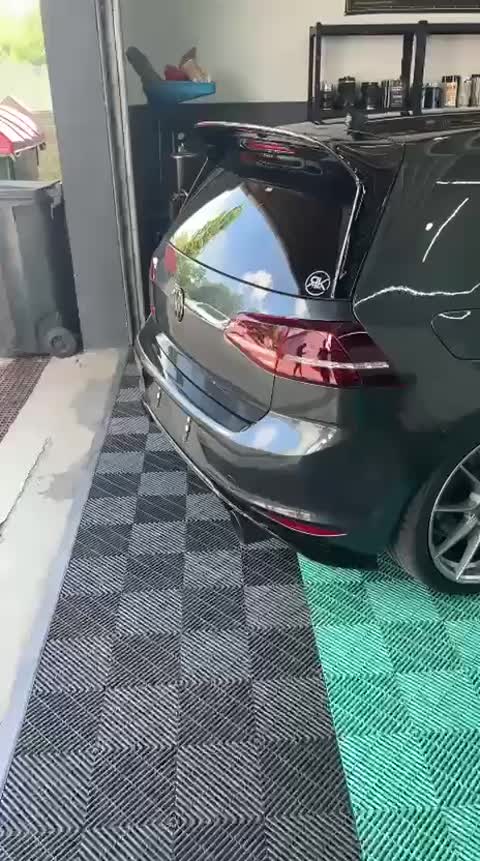
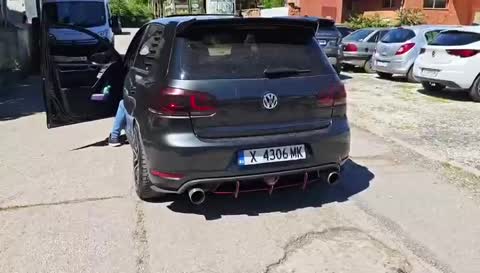
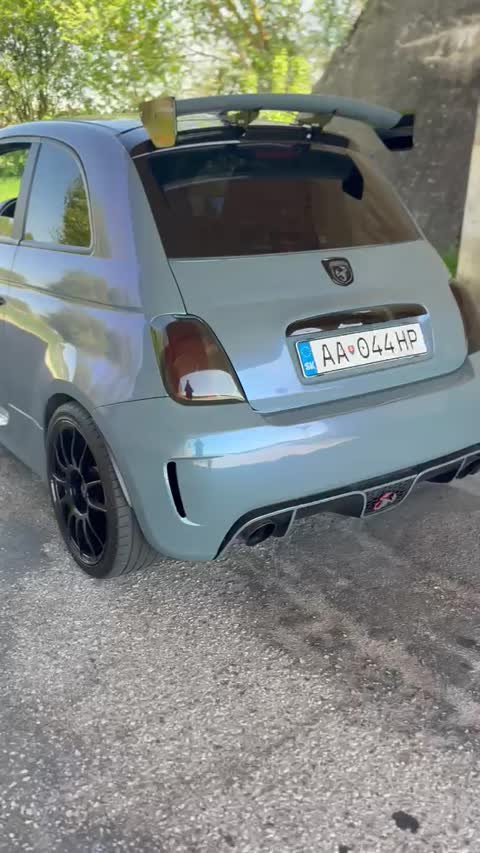
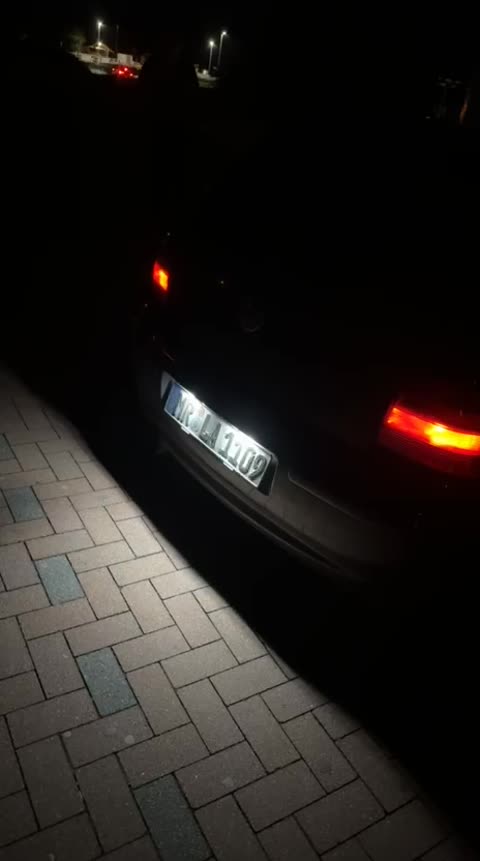
Need a custom, hand-crafted ECU file beyond automated Cloud Tuning? Our professional WinOLS specialists tune your file by hand — Stage 1/2, DPF, EGR, pops & bangs, deep idle and more. Watch real work below.

WinOLS tuning 1▶
WinOLS tuning 2▶
WinOLS tuning 3▶
WinOLS tuning 4▶
WinOLS tuning 5▶
WinOLS tuning 6▶
WinOLS tuning 7▶
WinOLS tuning 8▶
Request WinOLS Tuning →
×
⬇ Download video

DaVinci Deluxe · Cloud Edition

Advanced ECU remapping and chiptuning software for automotive professionals.

Mastercard Stripe

Links

  • Home
  • About Us
  • FAQ / Support
  • Features
  • License
  • Contact
  • 🎁 Get 30 min Free
  • Free Checksum Tool
  • Tuning by Vehicle
  • Tuning by ECU
  • Cloud Tuning ECUs
  • API Pricing
  • API for Developers
  • Compatibility

Legal

  • Terms & Conditions
  • Privacy Policy
  • Cookie Policy
  • Refund Policy
  • ECU Policy & Compatibility

© 2026 All rights reserved DaVinci Deluxe · Cloud Edition.

DaVinci Deluxe · Cloud Edition is a brand operated by TechLT · techlt.net · [email protected]

Product intended for professional use. Please respect local legislation.

Automotive ECU Software Europe: DaVinci Deluxe · Cloud Edition | HexRemover Pro | XRemover Solutions | XIRDecoder | DTC Remover | DPF Off Software | EGR Delete | SCR AdBlue Off | ECU Chiptuning Software | WinOLS Alternative | Professional Engine Reprogramming Software | DPF Removal | Advanced ECU Tuning | FAP/EGR Removal | Professional ECU Reprogramming | Remove DPF/EGR | Engine Control Tuning Software | Disable DPF | DTC & DPF Solutions | Chiptuning Programator. Professional recalibration tools for automotive workshops worldwide.

We use cookies to improve your experience. By continuing, you agree to our cookie policy.

Learn more

Cart

Total: 0 €
Proceed to Checkout

Compatibility & Requirements

🖥️

Operating System

Windows 10 or 11 (64-bit). macOS and Linux are coming soon.

Windows 11 Recommended
⚙️

Installation and Internet

Nothing to install by hand — the installer sets everything up automatically. A permanent internet connection is required: Cloud Edition processes your files on our servers.

🛡️

License Protection

Your licence covers 1 PC and is linked to it. Moving it to another PC is a one-time 50 EUR. Do not share your key.

Quick Troubleshooting
  • Run as Administrator
  • Make sure Windows is up to date
  • Check Internet Connection
  • Restart PC
× Zoomed PC UI